Building a Brand Kit That Non-Designers Can Actually Use
Enforce brand choices through tools instead of hoping teams remember your guidelines.
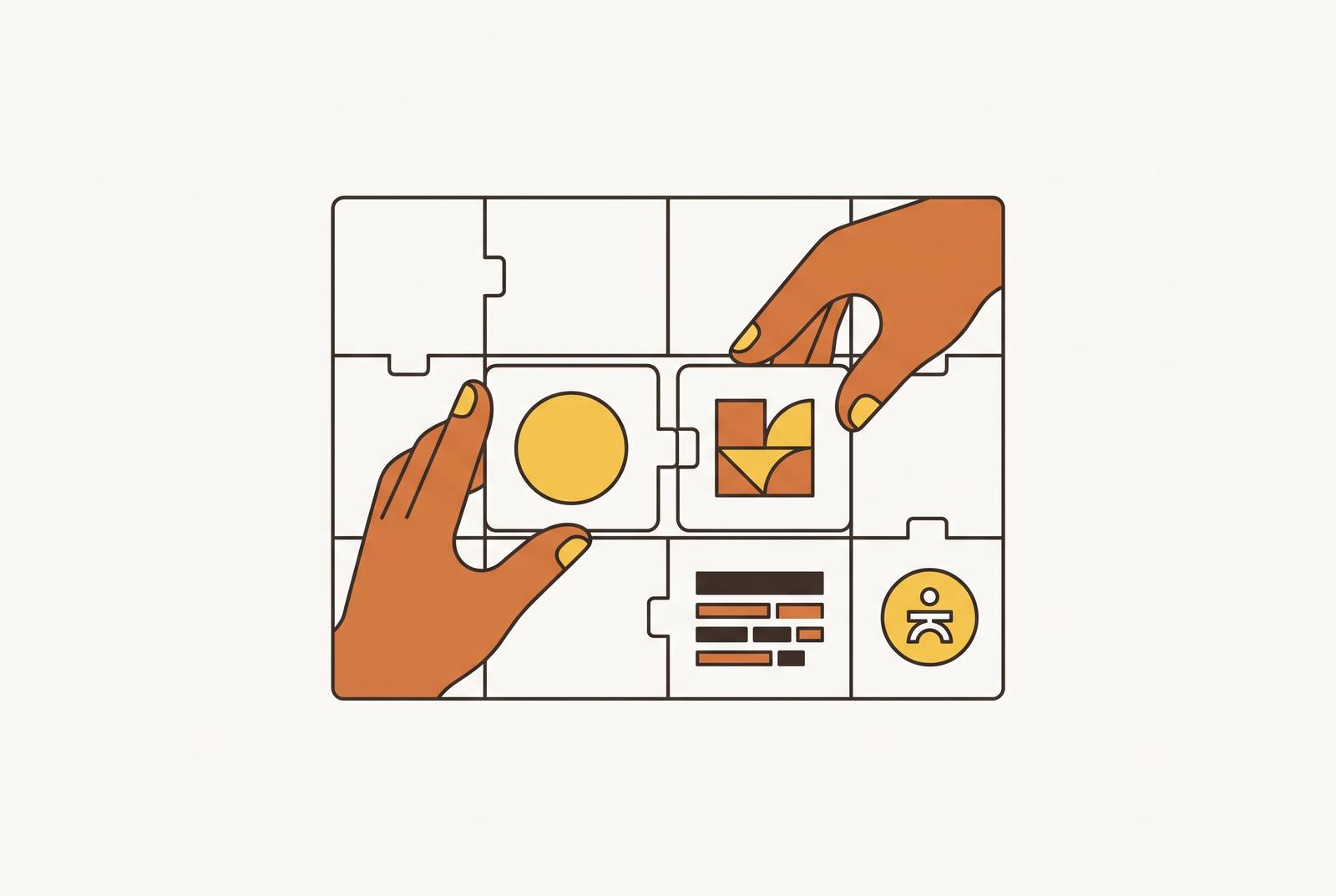
Most brand kits fail for a simple reason: they are reference documents, not enforced systems, and a reference document only works if someone stops to read it at the exact moment they need it. A PDF of hex codes, a folder of logo files, a page listing two font names, none of that intervenes in the moment a decision actually gets made. It just sits there, waiting to be consulted, like a fire extinguisher nobody can find.
Here is what actually happens under deadline pressure. A marketer needs a LinkedIn graphic out in twenty minutes. Nobody told her not to. The kit simply never showed up to stop her.
One off-blue on a social post does not sink a brand. Design teams call this brand drift, and it has nothing to do with how much anyone on the team cares. It happens because the kit gave them a document to admire instead of guardrails built into the tools they actually use.
A brand kit as reference describes the right choice and trusts someone to find it, while a brand kit as system makes that choice for them. Locked colors, pre-loaded fonts, templates that apply those constraints the moment a new file opens, these make the on-brand option the only option. The output ends up correct because the tool made it correct, not because the person using it happened to remember page nine of the PDF.
What a brand kit for non-designers must contain
An executable brand kit has five components, and the real test for each one is not whether it's written down somewhere but whether a person who has never made a design decision in their life can pick it up and use it correctly on the first try.
The logo needs its full set of variants: a primary mark, a wordmark, an icon-only version, and a favicon, each sized for where it will actually appear. A PNG-only kit is a dead end for anything that needs to scale, so logos need to exist as SVG, a vector format that renders cleanly whether it is a 16-pixel favicon or a logo blown up across a trade show banner.
Color needs exact values, not descriptions. Hex codes for anything that lives on a screen, CMYK for anything headed to print, every value locked rather than described as "a deep navy" or "our signature teal." A kit that stores and enforces these values inside the actual design tool, so the wrong blue simply isn't an option on the palette, functions on a different level than a kit that lists the same values in a PDF nobody opens.
Typography works the same way. Skip that specification and watch someone apply the heading font to a paragraph of body text, or mix two font weights on the same slide because nothing told them not to.
Templates are where all of this stops being theoretical. A template has the color already placed, the font already set, the layout already structured, so the person using it is choosing content, not making design decisions. The template library should mirror what the team actually produces: social posts sized for the channels in use, slide decks, one-pagers, email headers, whatever ships most often.
Finally, usage rules need to read as permissions and prohibitions, not principles. "The primary blue is for headlines and CTAs; the accent teal is for highlights only, never backgrounds" tells them exactly what to do, and following it requires no design judgment.
How AI brand kit generators cover the starting-from-zero problem
What about the team that doesn't have any of this yet? The startup founder, the SMB owner, the internal team whose entire brand identity lives in someone's head and a logo a cousin designed a while back, all of them need a starting point before any of the enforcement machinery above becomes relevant. AI brand kit generators have gotten good enough that a non-designer can walk away from a single session with a logo, a palette, a type pairing, and a few applied assets, though the tools differ quite a bit in how far they carry that output toward something enforceable.
Looka remains the fastest route to a finished kit. The logo-only purchase runs $20 one-time for a basic PNG package, $65 one-time for a premium package that includes PNG, EPS, SVG, and PDF files, while the full Brand Kit is a separate $96-per-year subscription that bundles the premium logo files with more than 300 branded templates. The output also carries a recognizable house style, fine for a first identity, less fine for a brand chasing distinctiveness.
Lovart produces a more complete visual system than Looka, but the tradeoff appears in the time it takes and the decisions it demands. Budget two or three rounds rather than one, and arrive with written positioning already drafted instead of asking the tool to invent a point of view from nothing.
Wireflow serves a narrower audience with a different shape of problem: teams that need one kit reapplied across hundreds of assets. It works as a node canvas, each step of the identity pipeline built as a block wired into the next, so the kit gets constructed once as a graph and then run again against new product names or campaign copy without redoing the setup. Anyone who has never opened a node editor should expect the first graph to take real effort, but that effort buys per-asset overrides and a callable endpoint, letting the same kit be triggered from a script. This is a tool for volume, not for an individual starting cold.
Where generators stop and ongoing production begins
Generating an identity happens once. Producing on-brand assets happens every day, for as long as the company exists, and that is an entirely different operational problem than the one a generator solves.
A generator hands over files and a PDF. It does not sit inside the production environment where the real work happens, so the moment someone needs a new asset and the generator isn't part of their workflow, they're back to a blank canvas, reaching for a color that looks close and a font that feels right. Drift resumes exactly where the earlier sections said it starts.
The brand kit, the colors, the fonts, the logo, gets stored once and surfaces automatically in every new design a team member opens. And the coverage has to extend past social graphics into the full range of what a team actually ships: slide decks, one-pagers, PDFs, web assets, the whole output, not just whatever fits neatly into a square Instagram template. Whoever owns the brand also needs the ability to lock down elements that shouldn't move, backgrounds, color fields, type choices, while leaving the content fields open for anyone else on the team to fill in.
A commercial-safety layer sits underneath this, and it surfaces in conversations about brand consistency only after it causes a problem. Any AI-generated image heading into a paid ad, a client-facing deck, or a published asset carries IP risk if the model behind it trained on unlicensed material. Adobe Express Premium, at roughly $10 a month, brings Firefly-powered generative fill, text-to-image generation, and royalty-free Stock access into an editor built for non-designers, though premium or editorial Stock content requires its own separate subscription.
Building the production layer: templates, locking, and the editable canvas
A production layer that actually keeps a non-designer on-brand enforces its constraints structurally. Posting a style guide and hoping people read it is a different activity.
The designer's job in a system like this shifts from producing every asset to setting the system up once. Once that setup is done, anyone on the team can produce a new asset without touching a single brand decision; they're filling in content inside a structure someone else already built. This is what Moda is built for: a real, editable canvas that gives the designer full control during setup and a constrained, guided experience for the teammate who opens the template afterward.
A static AI-generated image solves none of this. Moda's outputs stay editable on a real canvas the user controls, which is the property that makes it function as a production system.
The speed argument that gets made about tools like this isn't marketing fluff; it's a structural property of the setup. When the template is already built and the brand kit is already loaded, the only task left is content substitution: headline in, image in, export out. What disappears isn't just the time spent designing, but the back-and-forth of getting an asset approved, revised, and returned by a designer, and that approval cycle is usually the actual reason a salesperson misses the window on a follow-up or a campaign's supporting assets lag two weeks behind the campaign itself.
Enforced brand kits in go-to-market practice
An account executive needs to customize a deck for every prospect, swapping in a company name, an industry-specific pain point, a relevant case study, without touching the layout, the colors, or the fonts underneath. Strong PPTX export matters a great deal here, since prospects and internal reviewers live in PowerPoint and Google Slides and the deck will get forwarded around as a file long after the AE sent it.
Marketers face a volume problem more than a customization one. Skip the enforced system and a company's LinkedIn feed starts looking like three different teams are running it, because in a sense, three different people usually are.
A chief of staff or operations lead carries a different kind of risk. Board decks, internal reports, all-hands presentations, these are high-stakes enough that most companies route them through a designer or an outside agency, because the cost of an off-brand board deck is higher than the cost of a late one. What comes out the other end is, in the words of one chief of staff describing this exact workflow, "Fortune-500-exec ready" material, produced by the person who owns the content.
SMB owners carry the brand further than any of the above, out onto the actual website. A production environment that covers static site creation alongside decks and social content means the SMB owner isn't juggling one tool for social, a second for presentations, and a third for the web, with the brand kit somehow expected to apply evenly across all three.
The structural mistake teams make when setting up a brand kit
Even teams that do the work of building a real system make one mistake often enough that it deserves its own warning: they set the kit up once and then never touch it again. A kit that stops evolving turns back into the reference document this whole piece opened by criticizing.
Part of the problem is that most generators treat a brand kit as a one-time export. The brand refreshes, a new product line launches, positioning shifts, and a kit that can't be regenerated forces a team to either start the whole process over or, far more often, patch individual assets by hand. That gap between the original kit and the patched-together assets sitting next to it is exactly where the next round of drift begins. Whether a kit can be reapplied later, rather than just generated once and archived, turns out to be the detail that separates the useful tools from the ones everyone forgets they paid for.
Ownership also matters: a platform where the kit lives in one central place and every template pulls from it automatically solves this cleanly, since updating the kit once propagates the change everywhere instead of needing to be re-applied template by template.
A brand kit stored in one tool, templates scattered in another, social assets in a third, presentations in a fourth, is a handful of disconnected environments where drift isn't a risk so much as a guarantee. Teams that hold their brand together over time are, almost without exception, the ones that converged on a single production environment where the kit governs every asset type at once.
Building or auditing your brand kit as an executable system
Start by gathering what already exists. If there's no logo yet, or no complete kit to speak of, start with a generator instead of a blank page, Looka if speed matters most, Lovart if the goal is a more complete visual system from the outset. Pull together the primary logo, an icon variant, a dark-mode version, exact hex codes for every brand color, font names and weights, and any templates already in circulation.
Load all of it into a production environment exactly once. Upload the logo variants, type in the hex codes precisely rather than approximately, install or select the brand fonts. This single setup step makes every asset built afterward on-brand by default. Moda stores the brand kit centrally and applies it across every template a team touches, so loading it once means the enforcement runs automatically from that point forward.
Next, build or select templates for the five formats a team actually produces on a regular basis, something like a social post format, a slide deck master, a one-pager, a PDF report, and a web asset.
Lock what shouldn't move: background colors, logo position, font choices, the overall layout structure. Leave open what needs to flex: the headline, the body copy, the image area, the CTA text, so that any teammate can step in and fill those fields without touching anything underneath. Test it honestly before handing it off, pretend to be someone who has never made a design decision and see whether an on-brand asset comes out the other end without a single judgment call required.
Anyone who already has a brand kit should run an audit to confirm it works. The entire point of building one was to make sure nobody has to guess.