Training Non-Designers to Produce On-Brand Assets Independently
Systems that encode brand rules into tools work better than training alone.
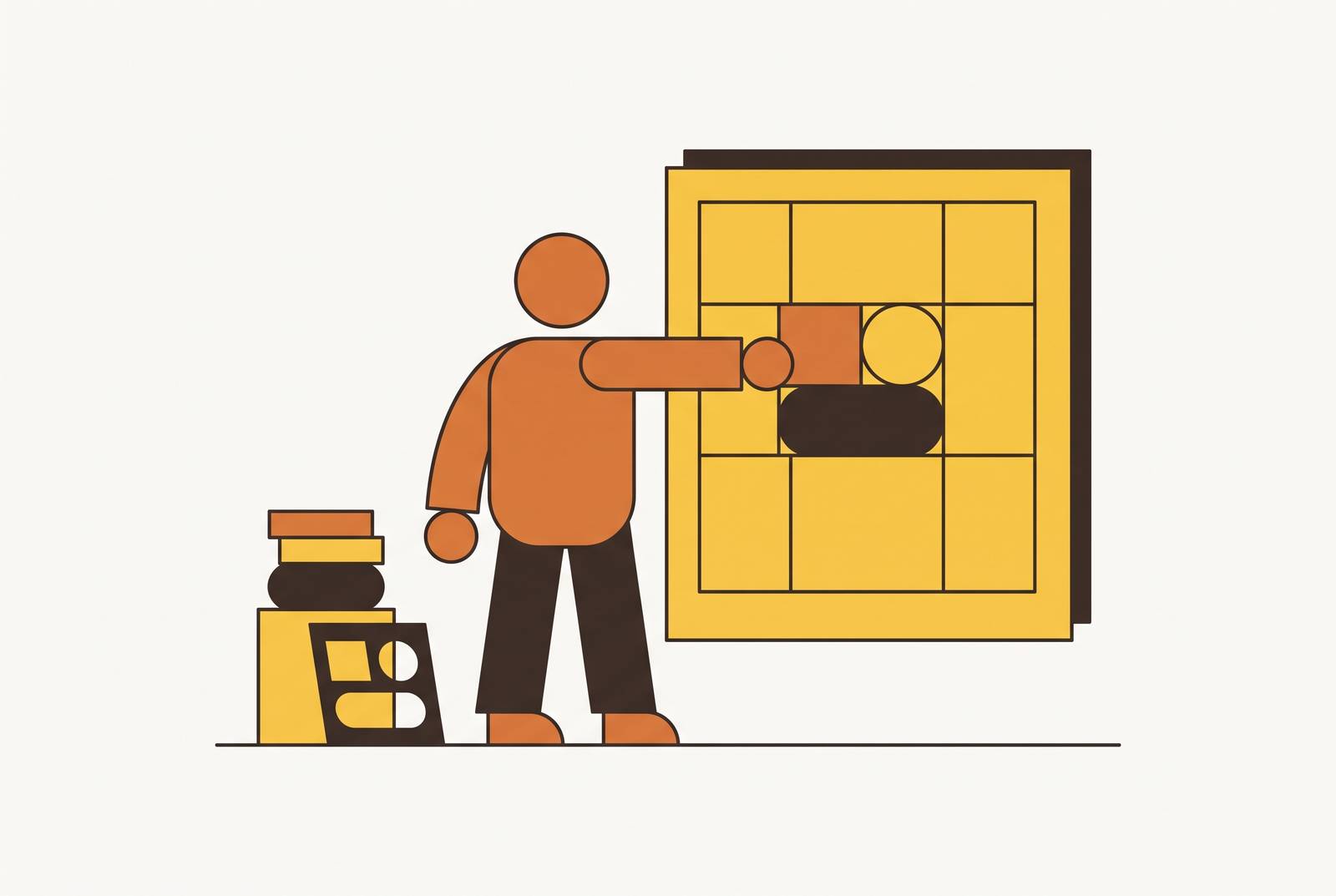
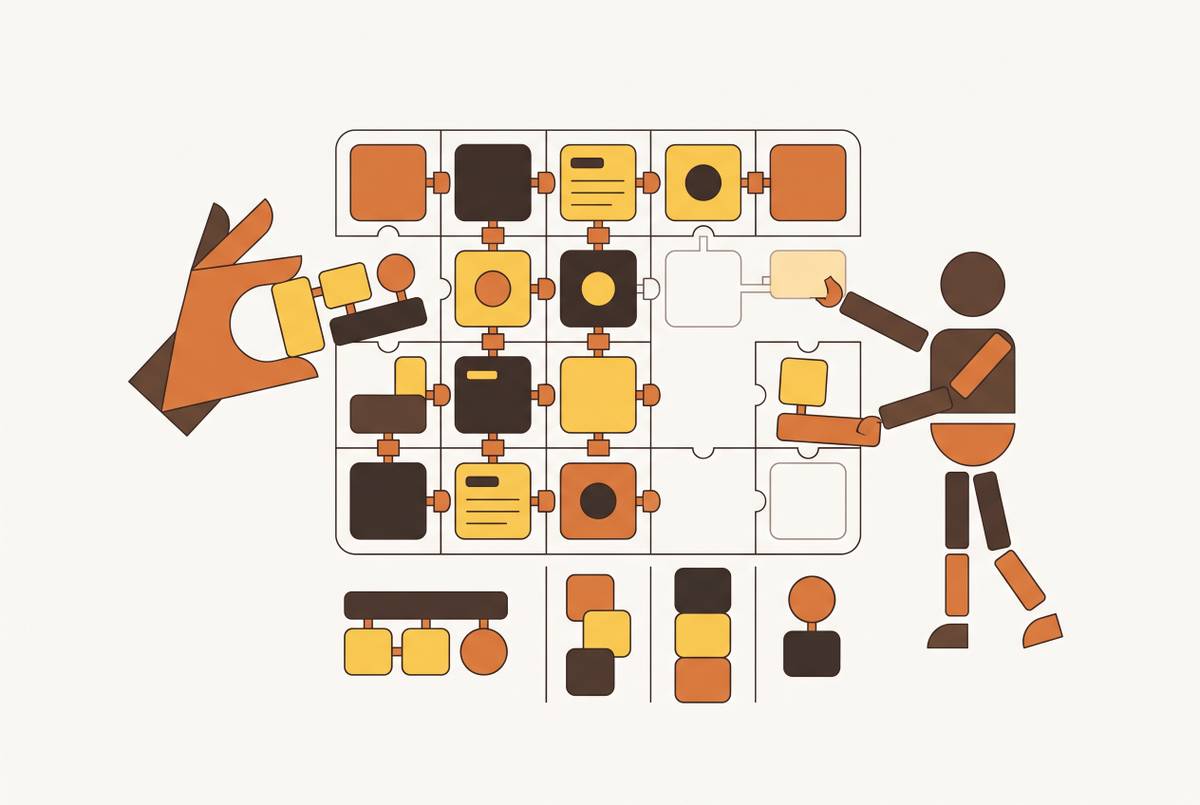
Training non-designers to produce on-brand assets independently is a systems problem, not a curriculum one, and most companies keep trying to solve it with the wrong tool: another workshop, another PDF, another well-meaning deck of "brand dos and don'ts" that gets skimmed once and then buried in a shared drive.
Why brand compliance is failing
Somewhere right now, a sales rep is italicizing a logo because it looked more "dynamic" that way. Neither of them is careless. Both are doing what the brand guidelines asked them not to do, and both would probably pass a quiz on brand compliance if given one the day before.
That's the tell: the failure isn't knowledge, it's architecture. Training sessions and PDF style guides hand that judgment back to the individual, and that burden evaporates the moment a deadline gets tight. Nobody re-reads the brand book under pressure. They open the nearest template, make a call, and move on.
AI tools make this worse before they make it better. A marketer prompting an image generator doesn't get one plausible option, they get several, all polished, all wrong in slightly different ways. More options means more chances for an ungoverned judgment call to slip through looking professional enough that nobody questions it.
The Designer Fund and Foundation Capital's AI in Design 2026 report names what's actually changing at companies that have figured this out: designers are "inventing systems that help their companies harness more creative potential of non-designers and designers alike". The job isn't making the asset anymore, it's building the thing that makes the asset, a different skill, a different deliverable, and a different way of thinking about what a design team is for.
Some organizations do train non-designers successfully, which looks like a counterexample, but look closer at those cases and the training is never standing alone. It's backed by locked templates and constrained tools that make the "wrong" choice structurally unavailable. The training sticks because the system holds it up, not because a slide deck about color theory finally landed.
Design as a system for non-design teams
A brand system for a non-design team takes every decision that doesn't require actual human judgment and encodes it into files, templates, and tool settings, so the only choices left for the user are the ones that genuinely need a person to make them. That's the whole idea, and it's simpler than it sounds once you strip the jargon off it.
The vocabulary that matters here: design tokens (the color codes, spacing values, and type scales that define a look), locked templates, brand kits, and component libraries. Stacking those together correctly makes brand compliance something that happens automatically rather than something people have to remember to do. It becomes the default state of the tool, the thing that happens whether or not anyone's thinking about it.
Design Trends, writing in June 2026, calls this "design as executable knowledge," brand rules, layout logic, accessibility checks, and component behavior stored in formats a machine can actually follow, things like design.md files, Claude skills, Codex workflows. That's a meaningful shift from the old model, where the "rules" lived in a PDF that functioned more as an artifact of good intentions than an operating instruction.
AirOps built an org-wide Claude skill library for brand work, and assets that used to take a small brand team days to produce started coming out much faster across the entire company. The skill library did that, not a training session, not a refresher email. The constraint set itself was the lever.
So what does a design system mean for a team that has no designers on it? He just needs the template to refuse the wrong blue.
Which leads to the real test of whether a system is working. When the system is built correctly, the question "did they follow the brand guidelines?" becomes almost impossible to ask, because the tool never gave them room to do otherwise. For the person who used to build decks and one-pagers by hand, that's the actual job now: not shipping another asset, but shipping the constraint set that makes future assets look like they came from the same place.
Building the brand constraint set: what to encode before touching any tool
Before opening any tool, before picking a template platform, before anyone touches a font menu, the constraint set needs to exist on paper, or more precisely, in a format a machine can read. Skipping this step leaves the guardrails vague, and the output stays vague too, no matter how good the software is.
Start with the logo. Skip this and someone, somewhere, stretches the logo to fit a banner; now it's doing a job it was never drawn for.
Color is where "named" guidance quietly fails. A palette described as "brand blue" and "accent gray" is an invitation for someone to eyeball it. The constraint set needs exact values, hex, RGB, and CMYK, not just swatches or names, because a swatch looks different on every monitor and a name means nothing to a template engine.
Caption patterns and headline formulas matter too, along with whatever tone markers keep the copy sounding like the brand instead of like whoever happened to write it that day.
Then there's image sourcing, which deserves its own attention because it's where AI tooling quietly creates the most risk. Without that rule, every asset becomes a small gamble on whether the stock photo matches the company's actual aesthetic.
All of this needs to live somewhere a tool can actually parse it: a token file, a design.md document, a structured brief, something that travels with the workflow instead of sitting unopened in a shared drive. Reversing that order lets the tools shape the rules instead of enforcing them.
Choosing the right tool structure for your team's volume and asset types
Two variables decide which tool structure actually fits a team: how many assets get produced per month, and whether those assets follow a fixed layout or require real compositional judgment. Get them wrong and no amount of feature-shopping saves the decision.
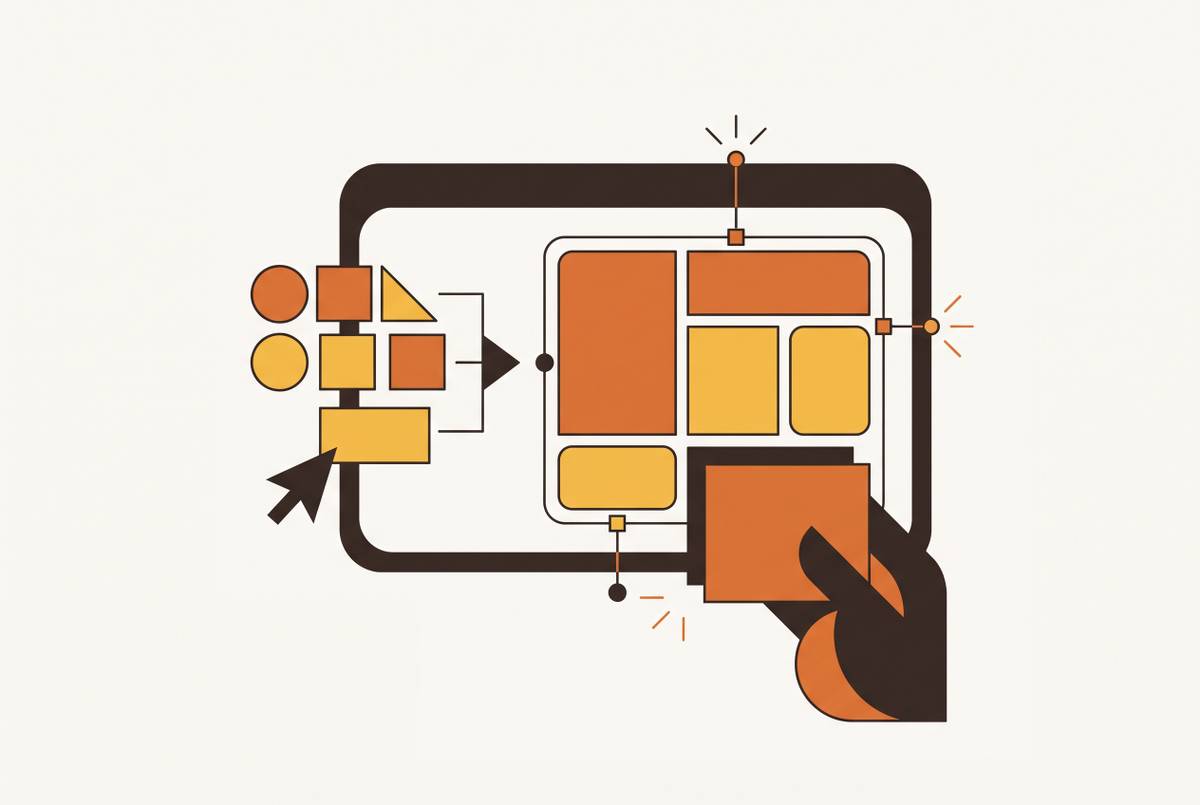
Three structural categories of tool exist, each suited to a different part of the production spectrum. Locked-template platforms, the kind represented by tools like Marq, fit high-frequency, fixed-format work best: brochures, one-pagers, sales sheets, flyers, newsletters, social graphics, internal documents, the stuff that sales reps, franchisees, local marketers, and field teams need to crank out without reinventing a layout every single time. The template stays locked. Only the approved fields move.
Brand-kit-native all-in-one tools sit a notch higher in flexibility. Microsoft Designer works this way, pulling from a user-defined brand style guide to apply layout, typography, and color rules without anyone touching a settings menu each time.
Then there's the agentic tier. Giving it access means every project after that automatically inherits the brand's colors, typography, and components, though the setup itself is optional and can be refined as it goes.
Volume changes the math here more than most teams expect. Lovart, with its Identity Lock feature, holds a strong brand consistency rate across a batch of assets, and the economics between agent-based and single-purpose tools cross over somewhere around 80 assets a month, as a rough rule of thumb rather than a hard line. Below that, a single-purpose tool is usually the cheaper, simpler call. Above it, the agent-based approach starts winning on both time and cost.
The mistake to avoid is picking a tool because its feature list is long. A tool loaded with AI capabilities but missing a brand-kit layer just hands non-designers more options to choose badly from, which is the opposite of what any of this is supposed to accomplish. The guidance from builder.io's 2026 material gets at the real principle: the best AI tools plug into the design system that already exists rather than operating off to the side, pulling brand colors, fonts, and components directly so new work lines up with the visual identity automatically. The tool's actual job is making the wrong choice harder to reach than the right one.
Locking templates so non-designers can't break them
A locked template breaks in one of exactly two directions. Either it's rigid enough that nobody can adapt it to the task actually in front of them, or it's loose enough that brand drift seeps in through every field left open. Both failures look identical from the outside: someone complaining the template "doesn't work."
The fix is a clean split. Lock everything that encodes the brand's identity: typefaces and their weights, color fills, logo placement and size, the layout grid, image safe zones. None of that should be touchable by a regular user, full stop on that part of the design. Template structure, the color palette itself, and the logo files stay locked even from most admins, reserved for whoever actually owns the brand system.
This is where the builder's job stops looking like design work and starts looking like systems engineering. Template-based workflows win on speed specifically because the layout is already known and all that's left is a text or image swap. Define that known layout precisely enough, and "swap the text, swap the image" becomes the entirety of what a non-designer ever needs to figure out.
Permissions should live inside the template instead of in a policy memo nobody reads. A sales rep might only get text edits. Build that hierarchy into the file itself.
Separate templates per asset type keep each format's distinct layout logic and editable fields intact instead of forcing a single compromise. A one-pager, a case study, a sales deck slide, a LinkedIn post, an email header, an event banner, each runs on different layout logic with a different set of fields that should be editable. A single "universal" template that tries to flex across all of them usually ends up a compromise that fails at everything, technically functional for every asset type and genuinely good for none of them.
The obvious pushback: lock templates too tightly and real edge cases turn into bottlenecks. Fair point. The fix is a "request a variation" path that routes the genuine exception to whoever owns the brand system, a handoff the next section depends on.
Presentations and pitch decks in a non-designer brand system
Slide decks go off-brand more visibly, and more often, than almost anything else a non-designer produces, mostly because people treat a deck as a personal document rather than a brand asset. Somebody builds "their" deck the way they'd arrange their own desk. The fix is separating two problems that get treated as one: which tool fits is determined by asset volume per month and whether the asset type has a fixed layout or requires compositional judgment.
Content creation is the real differentiator, since most tools will happily design a slide while the rep is still left writing the actual sales story from scratch. A system built for non-designers has to answer both halves, or it only solves half the problem it set out to fix.
The narrative layer resists this kind of automation, and probably should. Even with careful prompting, AI tends to follow a narrative framework loosely rather than strictly, so planning for a round of structural editing after generation isn't optional, it's part of the process.
Tome sunset its presentation product on April 30, 2025, and pivoted into sales automation, so it's not part of the active tool landscape here, whatever reputation it built earlier.
The practical answer for the system builder is a locked master deck template with approved layouts for every slide type a rep will need, title, agenda, problem, solution, proof, call to action. The rep fills in the content. The template handles everything else. That's the whole trade, and it's a good one.
Scaling social content production without losing brand coherence
Social content is the stress test for all of this, because volume and platform variety create constant pressure to improvise outside whatever template exists. A rep might get away with one off-brand one-pager.
The practitioner's answer here is a motion-first visual system, built around templates for short videos, carousels, and infographics designed to adapt across platforms without losing the thread back to the brand. Session-based AI that remembers an asset and automatically adapts it to each platform's ratio kills the single most common reason people improvise in the first place: not knowing how to resize something cleanly.
That resizing moment deserves more attention than it usually gets, because it's where most brand drift actually originates. When a non-designer manually crops or rescales a template to fit a different platform, they almost always clip a logo, break a safe zone, or shift a layout element somewhere it was never meant to sit. Automating the ratio adaptation makes that entire failure mode disappear, not reduced, gone, because the human never touches the step that used to go wrong.
Channel-specific constraints still need separate templates. LinkedIn posts, Instagram carousels, and email headers each need their own locked template with their own editable fields, since a single "social template" stretched to cover every channel becomes a brand liability the moment it's asked to do too much. One template, many jobs, is rarely a good trade in this business.
Sources
- 15 Best AI Tools for Designers in 2026
- Design Trends
- AI in Design 2026: The inflection point is here
- Design Fundamentals for Non-Designers: The AI-Assisted Guide to Visual Mastery
- AI design tools for brands: 5 tools shaping creative workflows in 2026
- Design & Marketing Trends 2026: What Marketers Must Know